
Office Pods for Video Conferencing
Design a dedicated and controlled space for video calls, remote meetings, and hybrid team collaboration within the office environment.
A video conferencing pod helps move online meetings away from open desks and overbooked meeting rooms. Use this page to choose the right pod capacity, confirm power and network needs, review lighting and ventilation considerations, and prepare the information needed for a quote.
For B2B projects, our team can review capacity, configuration, socket standard, layout needs, and project documents before quotation.
Best for:
individual video calls;
client calls and video interviews;
small group or team video meetings.
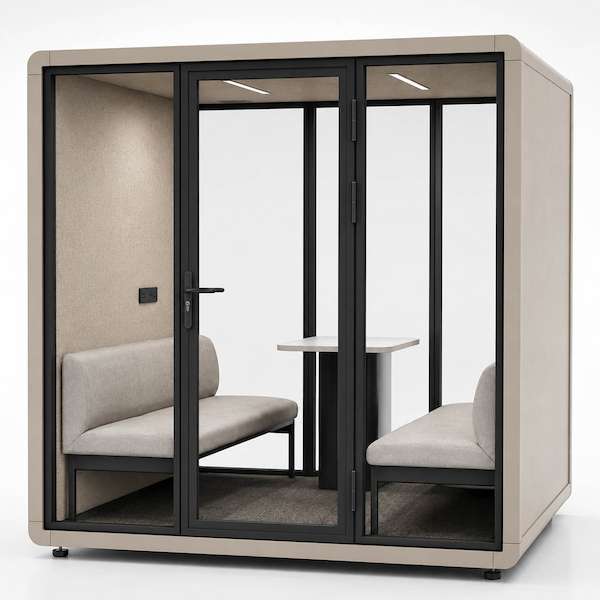
What to Review for a Video Conferencing Pod
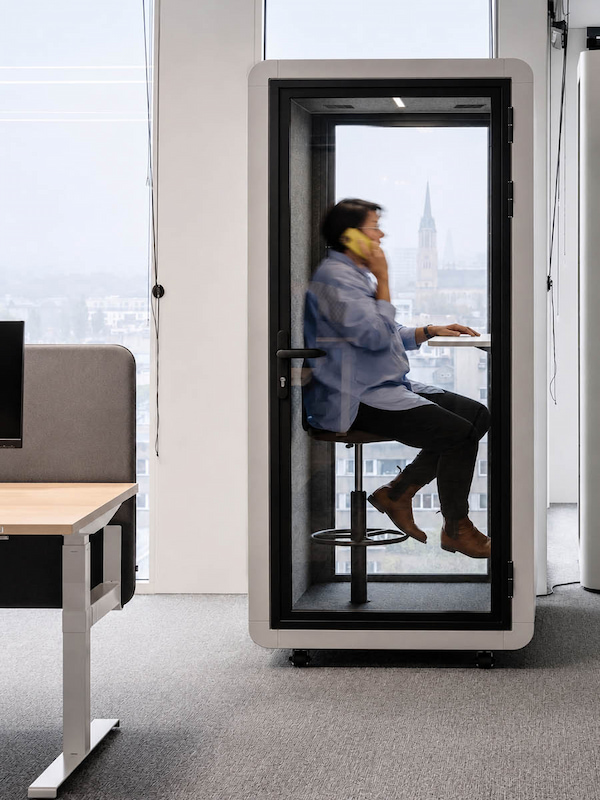
A video conferencing pod is an enclosed office pod used for video calls, remote meetings, online interviews, and hybrid team discussions inside a workplace.
Unlike an open desk area, it gives users a more controlled place to speak, listen, and join online meetings. For B2B projects, the right video conferencing pod should be reviewed by use case, capacity, connection needs, lighting, ventilation, and final configuration.
What a Video Conferencing Pod Helps Solve
Why Offices Need Pods for Video Calls and Hybrid Meetings
Video calls are now part of daily office work, but not every call needs a formal meeting room. In open offices and hybrid workplaces, a video conferencing pod can help route online meetings into a more suitable enclosed space.
This section helps buyers connect common video meeting problems with practical pod planning responses.
| Video Conferencing Pain Point | Pod Planning Response |
|---|---|
| Open office video calls disturb nearby workers | Route individual video calls to 1P pods and group video meetings to larger meeting pods. |
| Users need a more controlled background | Use an enclosed office pod to create a cleaner setting for client calls, interviews, and remote meetings. |
| Meeting rooms are overbooked by short video calls | Use video meeting pods to separate short online calls from formal meeting room demand. |
| Hybrid teams need enclosed meeting points | Route small group and team video meetings to 4P or 6P meeting pods when more people join the call. |
| Client calls or HR video interviews need more privacy | Review 2P pods for two-person video interviews or client calls, with speech privacy support considered as part of the project need. |
| Calls need power, charging, network, lighting, and ventilation | Confirm these requirements before quotation so the pod configuration matches the project use case. |
The goal is not to replace every meeting room with pods. The goal is to place the right type of office pod where video calls, remote meetings, and hybrid discussions happen most often.
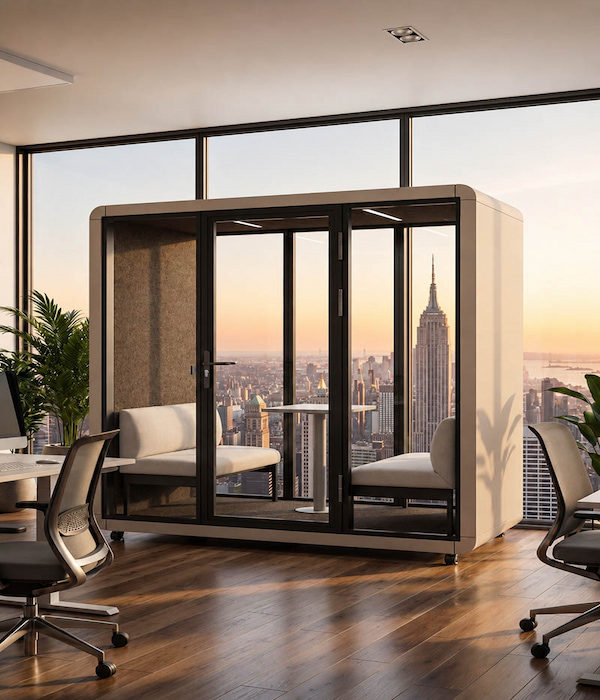
What Power and Network Details Should Buyers Confirm?
Video conferencing pods should be reviewed not only by size, but also by how users will connect devices during calls. Before requesting a quote, buyers should confirm the destination country, socket standard, charging needs, and network requirements for the project.
These details help the project team confirm whether power, socket standard, USB / Type-C, external network, lighting, ventilation, and optional video-related requirements match the intended use case before quotation.
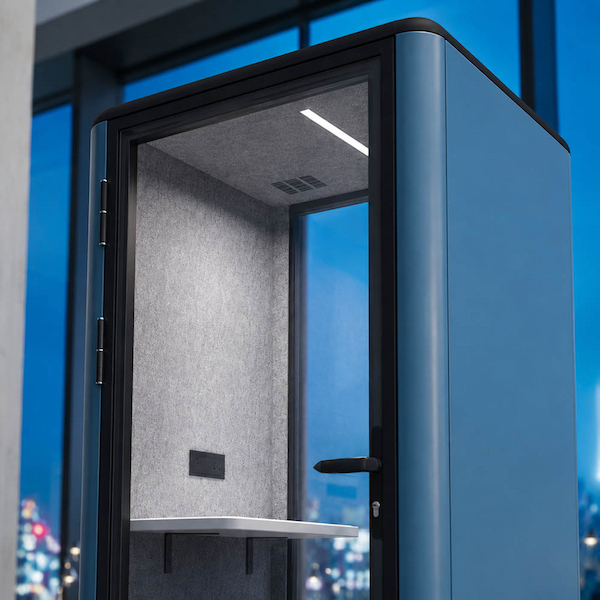
Lighting, Ventilation, and Comfort for Video Meetings
Video meetings are not only about having an enclosed seat. Buyers should also review lighting, ventilation, user comfort, and meeting duration before choosing a video conferencing pod configuration.
Planning Note
A video conferencing pod should not be described as a professional video studio, complete AV room, fresh air system, or air-purification solution. Cameras, screens, microphones, sensors, reservation systems, AC, and other optional functions should be confirmed separately if the project requires them.
Which Office Pod Size Works Best for Video Meetings?
| Video Meeting Type | Starting Capacity | Route |
|---|---|---|
| One person joins a video call | 1P | Explore 1 person office pods for individual video calls |
| Two people join an interview or client call | 2P | Review 2 person meeting pods for video interviews or client calls |
| 2–4 people join a group video call | 4P | Review 4 person meeting pods for small group video calls |
| 4–6 people join a team video meeting | 6P | Plan 6 person meeting pods for team video meetings |
| Unsure how to plan video call spaces across an office | Capacity selection | Compare office pod capacities before choosing a video meeting pod |
This table is a routing guide, not a final specification. Final selection should still be confirmed by layout, meeting duration, furniture arrangement, comfort expectations, power and network needs, and quotation requirements.
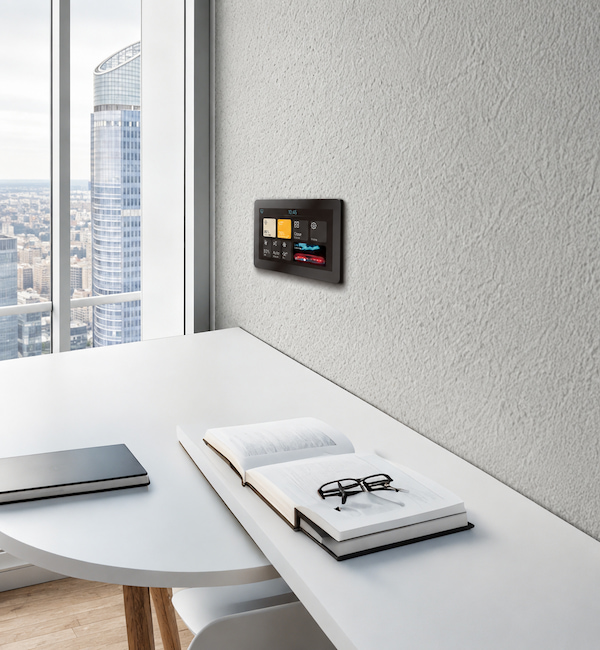
Which Video Conferencing Pod Features Should Be Confirmed?
Some features may be important for video conferencing, but not every feature is standard on every pod. Before requesting a quote, buyers should confirm which functions are included in the selected configuration and which items need project-based review.
| Feature Group | Safe Treatment |
|---|---|
| Power, socket, USB / Type-C | Confirm by country, socket type, current specification, and selected configuration. |
| External network port | Confirm whether network support is needed and whether site-side cabling is available. |
| Lighting and ventilation | Review by video use, comfort needs, pod capacity, meeting duration, and configuration. |
| Occupancy sensor / reservation system | Optional or project-based, not standard for every booth. |
| Automatic air refresh / AC | Configurable or optional comfort-related items; not a fresh air, purification, or standard cooling claim. |
| Video equipment | Do not assume cameras, screens, microphones, or AV systems are included. Confirm separately if required. |
Configuration should be confirmed before quotation so the final video conferencing pod matches the project use case, location, capacity, and technical requirements.
Speech Privacy for Video Calls and Online Meetings
Video conferencing often includes client discussions, HR interviews, internal project updates, and private business conversations. Compared with speaking at an open desk, a video conferencing pod can help create a more controlled space for these calls.
The goal is not to promise total silence. The safer way to understand this use case is speech privacy support: helping reduce how clearly speech may be understood outside the pod compared with open desk conversations.
When Speech Privacy Matters
client video calls;
HR interviews or one-on-one discussions;
internal project meetings;
calls involving pricing, planning, or business details;
hybrid meetings held near open work areas.
For projects with specific acoustic requirements, buyers should review the acoustic evidence and speech privacy information before final specification, so acoustic expectations stay connected to the tested configuration and evidence boundary: Review speech privacy and acoustic evidence.
Prepare Your Video Conferencing Pod Quote
To recommend the right video conferencing pod, we need to understand how the pod will be used, how many people will join the calls, and which configuration details should be confirmed before quotation.
What to Share Before Requesting a Quote
Video Conferencing Pod FAQ
What is a video conferencing pod?
A video conferencing pod is an enclosed office pod used for video calls, remote meetings, online interviews, and hybrid team discussions inside a workplace.
Which pod capacity should we choose for video meetings?
Start with 1P for individual video calls, 2P for two-person interviews or client calls, 4P for small group video calls, and 6P for team video meetings. Final selection should still be confirmed by layout, meeting duration, comfort expectations, and configuration needs.
Do video conferencing pods include power and network support?
Power, charging, socket standard, and external network needs should be confirmed before quotation. Site-side network cabling should also be reviewed if external network support is required.
Are sensors, reservation systems, AC, or video equipment standard?
No. Occupancy sensors, reservation systems, AC, cameras, screens, microphones, and AV systems should not be assumed as standard features. They should be confirmed separately if the project requires them.
Are video conferencing pods soundproof?
The safer way to understand this is speech privacy support, not a total-silence promise. A video conferencing pod can help create a more controlled space for calls compared with open desk conversations. Buyers with specific acoustic requirements should review speech privacy and acoustic evidence before final specification.
Can buyers request dimensions, a spec sheet, or layout review?
Yes. Buyers can request the latest dimensions, spec sheet, and layout review support before confirming a final video conferencing pod specification.